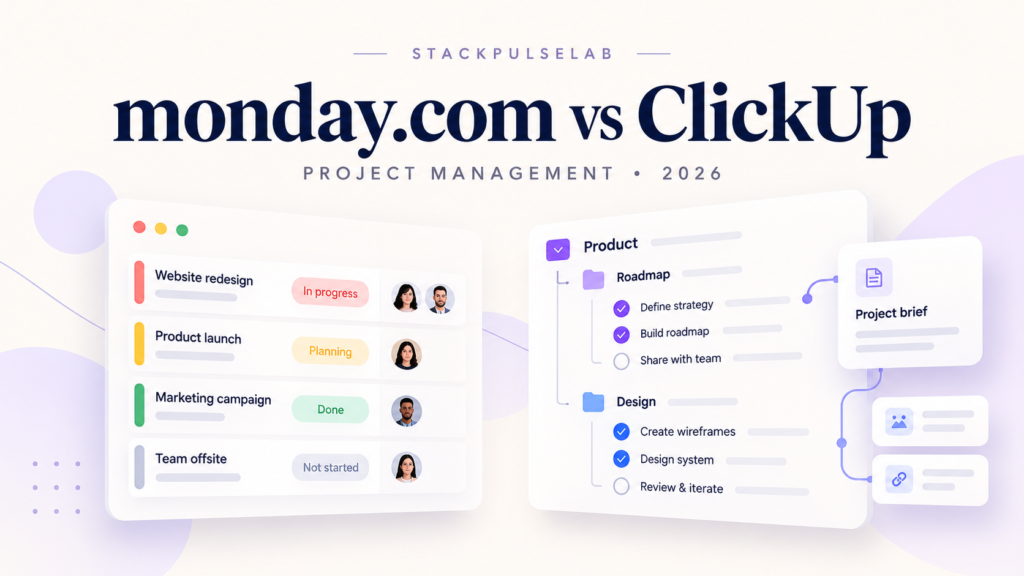
The modern workspace has evolved, and relying on scattered spreadsheets, endless email threads, and basic to-do lists can make it harder to coordinate a growing business. A centralized work management platform can help teams keep projects, communication, and responsibilities in one place.
Two popular options are monday.com and ClickUp. Both offer flexible project management tools, but their approaches to organizing work can suit different team preferences.
In this StackPulseLab comparison, we review their documented capabilities and practical trade-offs to help you choose a platform for your team’s workflow. The monday.com discussion focuses on monday work management; other monday.com products have different features and plans.
1. Monday.com: The Visual Powerhouse
Monday.com puts visual organization at the center of its experience. Color-coded boards bring tasks, owners, deadlines, and status updates together, helping teams see what needs attention.
Key Advantages
- Approachable visual workflows: Boards provide a clear starting point for organizing work. Simple workflows can be quick to set up, although advanced dashboards, permissions, and automations still require planning and onboarding.
- Ready-to-use templates: Teams can start with templates for common processes, such as marketing campaigns, project tracking, and onboarding, then adapt them to their needs.
- No-code automations: Trigger-based rules can reduce repetitive updates—for example, notifying a project manager when an item’s status changes to Done. Availability and action limits depend on the plan.
Who is Monday.com best for? It can be a strong fit for creative agencies, marketing departments, HR teams, and operations teams that value clear visual tracking and consistent processes. It also supports more complex work: monday.com offers views such as Kanban, Calendar, Timeline, and Gantt, with availability depending on the plan.
2. ClickUp: The All-in-One Command Center
ClickUp brings tasks, documents, whiteboards, and other collaboration tools into one workspace. Its broad feature set can help teams consolidate tools, but configuring it well takes deliberate choices.
Key Advantages
- Flexible organization and customization: ClickUp organizes work into Workspaces, Spaces, Lists, and Tasks. Folders are an optional layer, and additional nesting can support more complex structures. Custom fields, statuses, and permission controls help teams adapt the setup; availability varies by plan and role.
- Multiple ways to view work: Teams can use List, Board, Calendar, Gantt, Table, Mind Map, and Workload views, among others. Some views have usage limits or require a paid plan.
- Native Docs and Whiteboards: Collaborative documents and visual planning tools keep project knowledge close to the work. Linking tasks and documents can help connect planning with execution.
Who is ClickUp best for? It can suit software teams, cross-functional organizations, and solopreneurs who want detailed task structures and several collaboration tools in one place. Its flexibility can be valuable for complex projects, but teams should allow time for setup, training, and ongoing workspace maintenance.
Feature Comparison at a Glance
| Feature Category | Monday.com | ClickUp |
|---|---|---|
| Ease of Use | Visual boards offer an approachable starting point; complex setups need onboarding. | Broad options can require more setup and training. |
| Customization | Configurable boards, columns, dashboards, and automations. | Flexible hierarchy, custom fields, statuses, and workspace settings. |
| Built-in Docs | Collaborative workdocs with live board content and actionable items. | Collaborative Docs and wikis connected to tasks. |
| Project Views | Multiple views, including Kanban, Calendar, Timeline, and Gantt. | Multiple views, including List, Board, Calendar, Gantt, and Workload. |
| Potential Fit | Teams seeking visual clarity and repeatable workflows. | Teams seeking detailed configuration and tool consolidation. |
Feature access, usage allowances, and permissions vary by subscription. These fit assessments are editorial guidance, not benchmark scores or a guarantee of adoption.
The Final Verdict
Choosing between Monday.com and ClickUp comes down to how your team organizes and uses its work management system.
If your priority is visual clarity and an approachable starting point, explore Monday.com. Its boards and templates can help teams establish shared workflows.
If your priority is detailed customization and bringing multiple work tools together, explore ClickUp. Its flexible structure and connected collaboration features may be a better match.
Before committing, test the same real project in both platforms with the people who will use them. Compare setup effort, daily usability, required features, and the total cost of the plan your team actually needs.
Sources and Plan Details
Documentation reviewed October 27, 2026. Features and plans can change.
Pingback: ClickUp Brain in 2026: How AI is Revolutionizing Project Management – stackpulselab.com